Skip to content
Free Proxy List

Free Proxy Blog

How to Hide Your IP Address on iPhone (3 Easy Methods)

My IP Hide has a native iOS version now, so you no longer need a computer to change your iPhone's IP. The app is free to use: 8 free proxy servers, no time or data limit, no account needed. Just install it, tap the connect button, and your browsing goes through one of its private proxy servers, and it keeps working when you switch between Wi-Fi and cellular data.
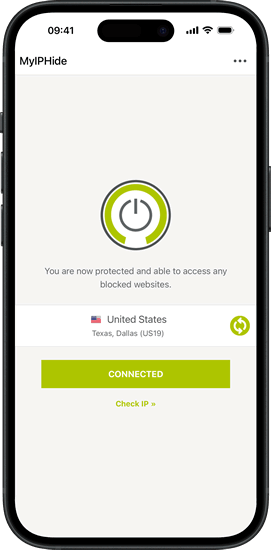
My IP Hide iOS app connected
My IP Hide for iOS
Read more →

Use a Proxy for Torrenting (uTorrent & BitTorrent)

When you download a torrent, every peer in the swarm can see your IP address. A proxy hides your real IP by routing your torrent traffic through a server, so other peers only see the proxy's IP instead of yours.

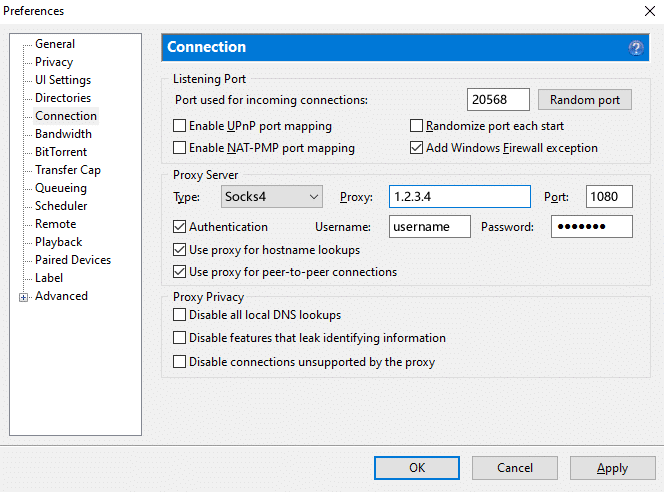
This guide shows how to set up a SOCKS5 proxy in uTorrent or BitTorrent, and how to check that it actually works.

utorrent Proxy Settings
uTorrent Proxy Settings
Read more →

Set Chrome to Use Socks Proxy and Enable Remote DNS

Question: How can I enable the remote DNS option when I use a socks proxy in Chrome?

Answer:

Chrome uses the system proxy settings by default. If you want to use different proxy settings, you can use an extension such as Proxy SwitchyOmega. But it can't enable the remote DNS option for you.

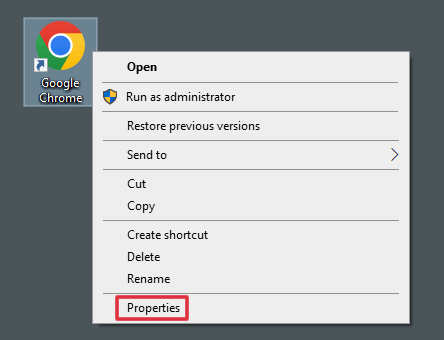
There is a remote DNS option in Firefox. But Chrome doesn't have it. To enable the remote DNS option, you have to add a command-line flag to your Chrome shortcut.

Chrome Shortcut
Chrome Shortcut
Read more →
All Posts