Use a Proxy for Torrenting (uTorrent & BitTorrent)

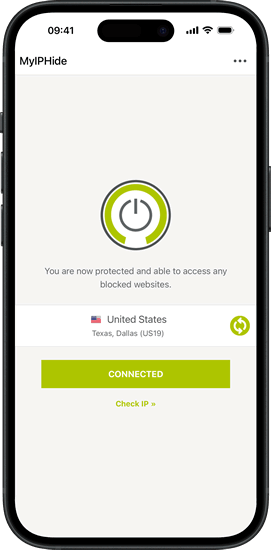
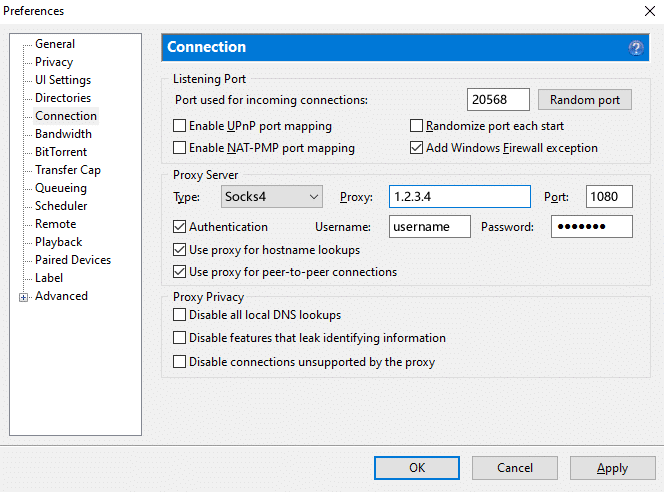
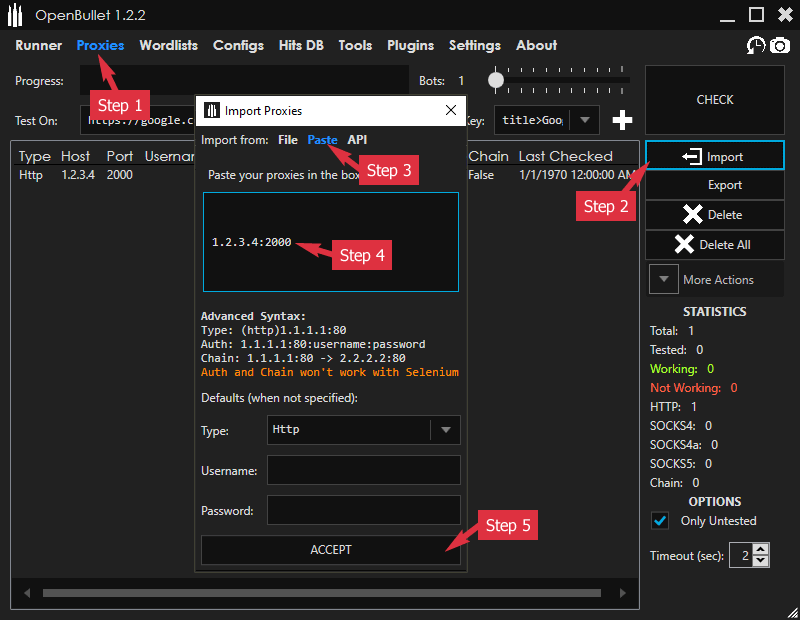
This guide shows how to set up a SOCKS5 proxy in uTorrent or BitTorrent, and how to check that it actually works.

When you download a torrent, every peer in the swarm can see your IP address. A proxy hides your real IP by routing your torrent traffic through a server, so other peers only see the proxy’s IP instead of yours.

This guide shows how to set up a SOCKS5 proxy in uTorrent or BitTorrent, and how to check that it actually works.

Continue reading “Use a Proxy for Torrenting (uTorrent & BitTorrent)”

Use Rotating Proxy in Proxifier

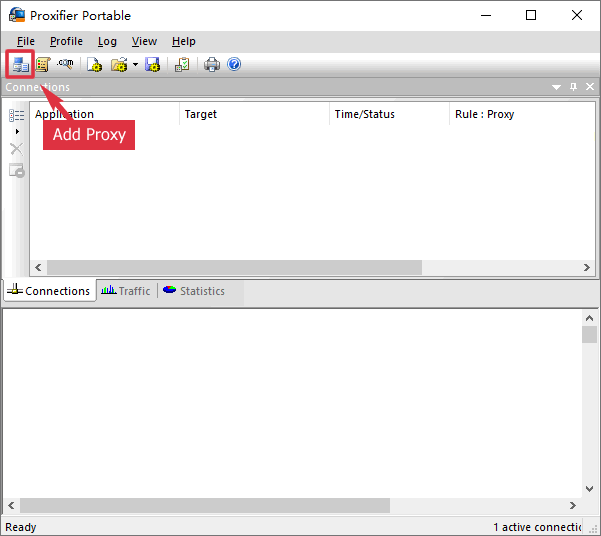
A tutorial on how to use our Rotating Proxy in the popular proxy tool Proxifier. It changes the IP address of all your apps.

Here we will show how to use our Rotating Proxy in the proxy software Proxifier. You can use both our Rotating Premium Proxy services  (stable premium proxies) and Rotating Open Proxy (unstable public proxies) in Proxifier.

Continue reading “Use Rotating Proxy in Proxifier”

Use Rotating Proxy in GSA Search Engine Ranker

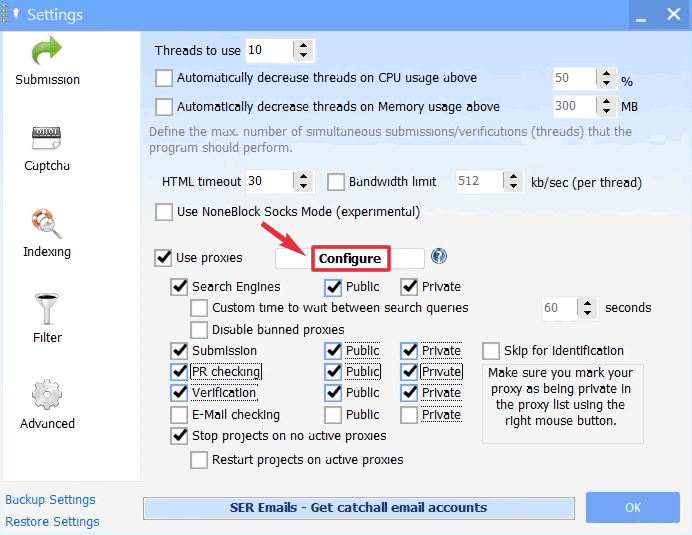
A tutorial on how to use our Rotating Proxy in the popular SEO tool GSA Search Engine Ranker. It needs the “Google Proxy” proxy pool.

Here we will show how to use our Rotating Proxy in the SEO software GSA Search Engine Ranker. You can use both our Rotating Premium Proxy services  (stable premium proxies) and Rotating Open Proxy (unstable public proxies) in GSA Search Engine Ranker.

Continue reading “Use Rotating Proxy in GSA Search Engine Ranker”

Didsoft Free Traffic Bot Tutorial

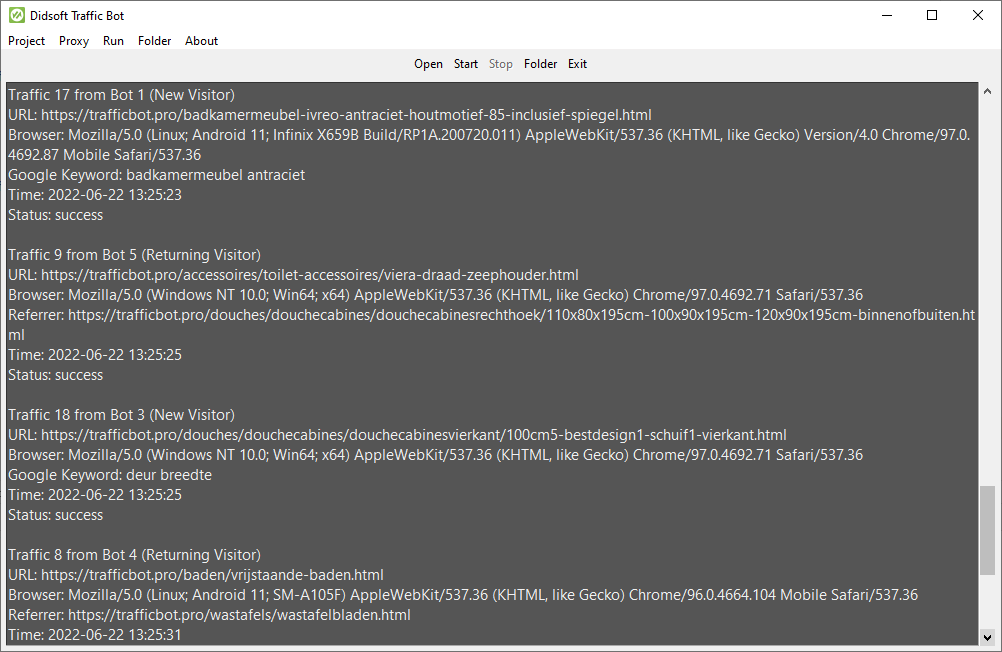
A tutorial about Didsoft Free Traffic Bot. It shows how to set up a new project and proxy settings for the traffic bot.

Here is a tutorial for our free traffic bot. It can generate YouTube views, SoundCloud plays, or site visits easily. You can custom the traffic source: direct, organic (with any keywords), social, or custom referrer.

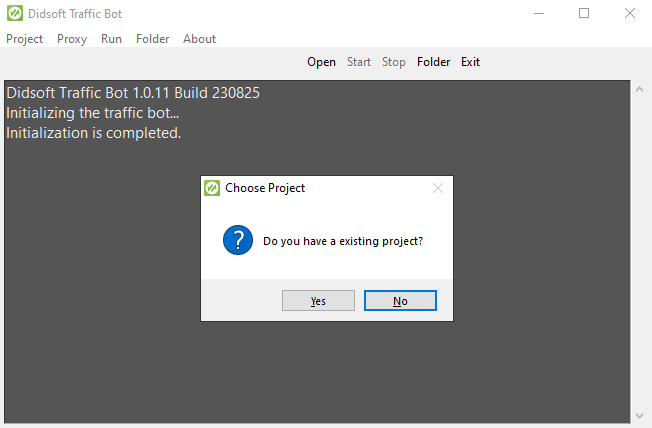
1. When you run the Didsoft Traffic Bot, you will see this dialog. Choose “No” if you don’t have an existing project.

Initializing Traffic Bot
Continue reading “Didsoft Free Traffic Bot Tutorial”

Generate YouTube Views with Free Traffic Bot

Generate YouTube views with our free traffic bot. It generated 100+ YouTube views in a few minutes. Free for our rotating proxy users.

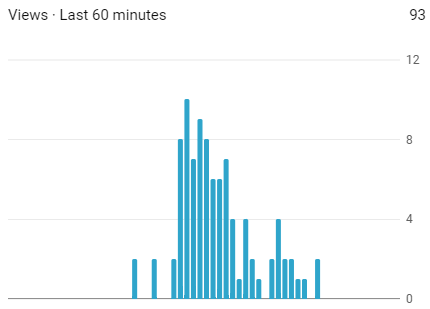
We updated our free traffic bot. It will now play YouTube videos or songs automatically. You can check your YouTube realtime views to confirm the traffic bot is working.

YouTube Views Last 60 Minutes
Continue reading “Generate YouTube Views with Free Traffic Bot”

Set Chrome to Use Socks Proxy and Enable Remote DNS

An instruction showing how to set Chrome to use Socks Proxy and enable the remote DNS options by two command-line flags.

Question: How can I enable the remote DNS option when I use a socks proxy in Chrome?

Answer:

Chrome uses the system proxy settings by default. If you want to use different proxy settings, you can use an extension such as Proxy SwitchyOmega. But it can’t enable the remote DNS option for you.

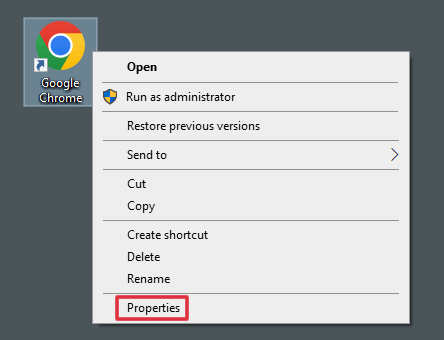
There is a remote DNS option in Firefox. But Chrome doesn’t have it. To enable the remote DNS option, you have to add a command-line flag to your Chrome shortcut.

Continue reading “Set Chrome to Use Socks Proxy and Enable Remote DNS”